
SKU: YSBQDYJFTSYCBYHKSV2


+13
More


VEVOR Label Printer 200x79x83mm Thermal Printer 150mm/s Label Printer Shipping Label Printer Thermal Direct Label Printer USB Automatic Label Detection Windows Mac OS Linux Chromebook
4.9 117 Reviews
85 90 €
Each when you buy 0+.
Shop
Get -% off for new user
Get 5,00€ Off 99,00€+ Orders on Your First 3 App Orders.
Download Now

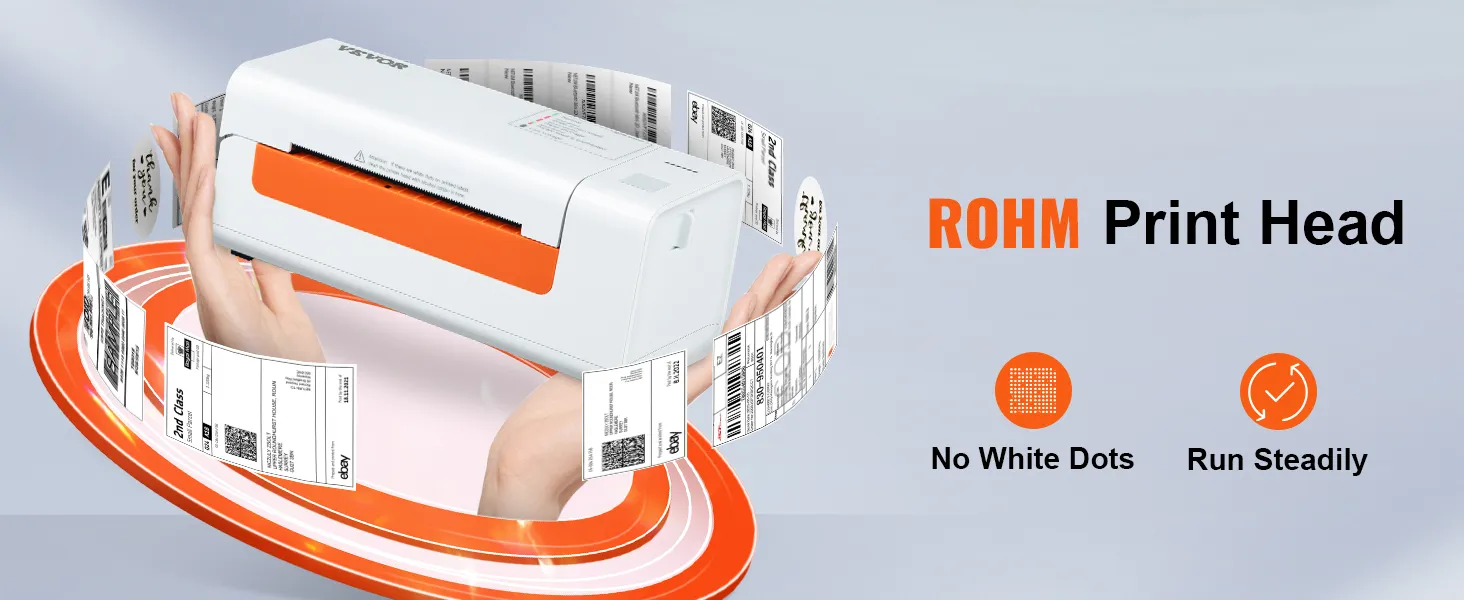
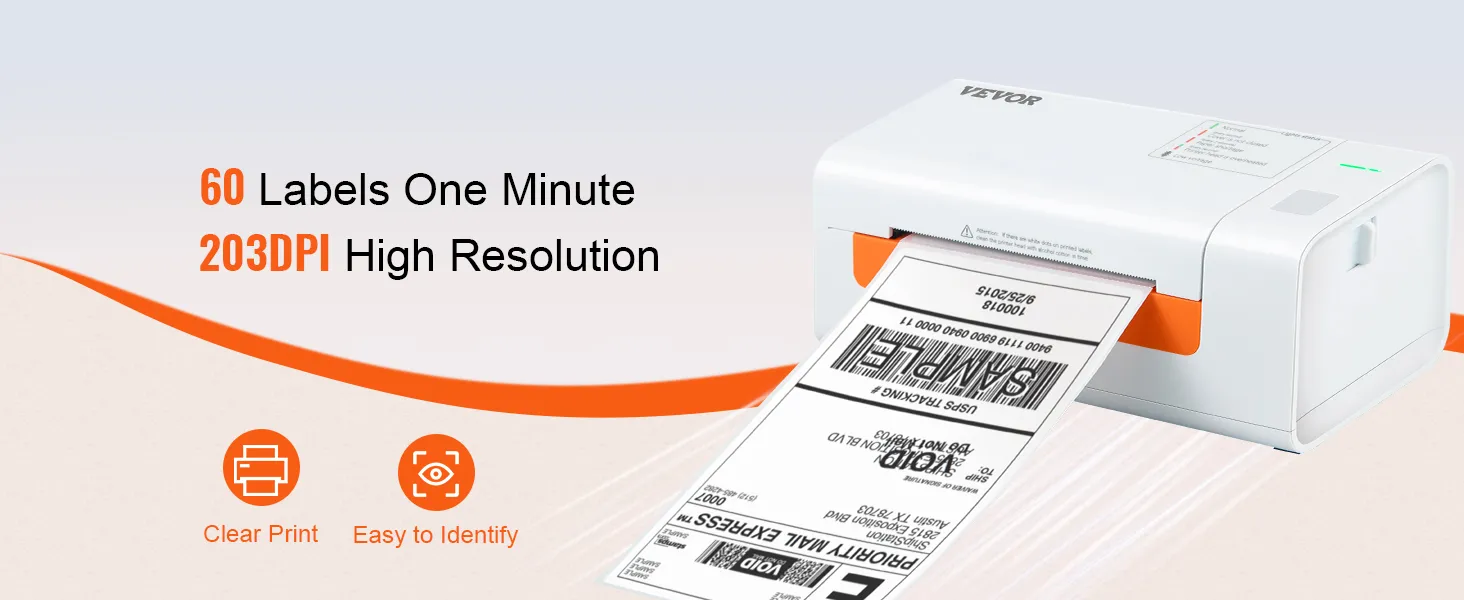
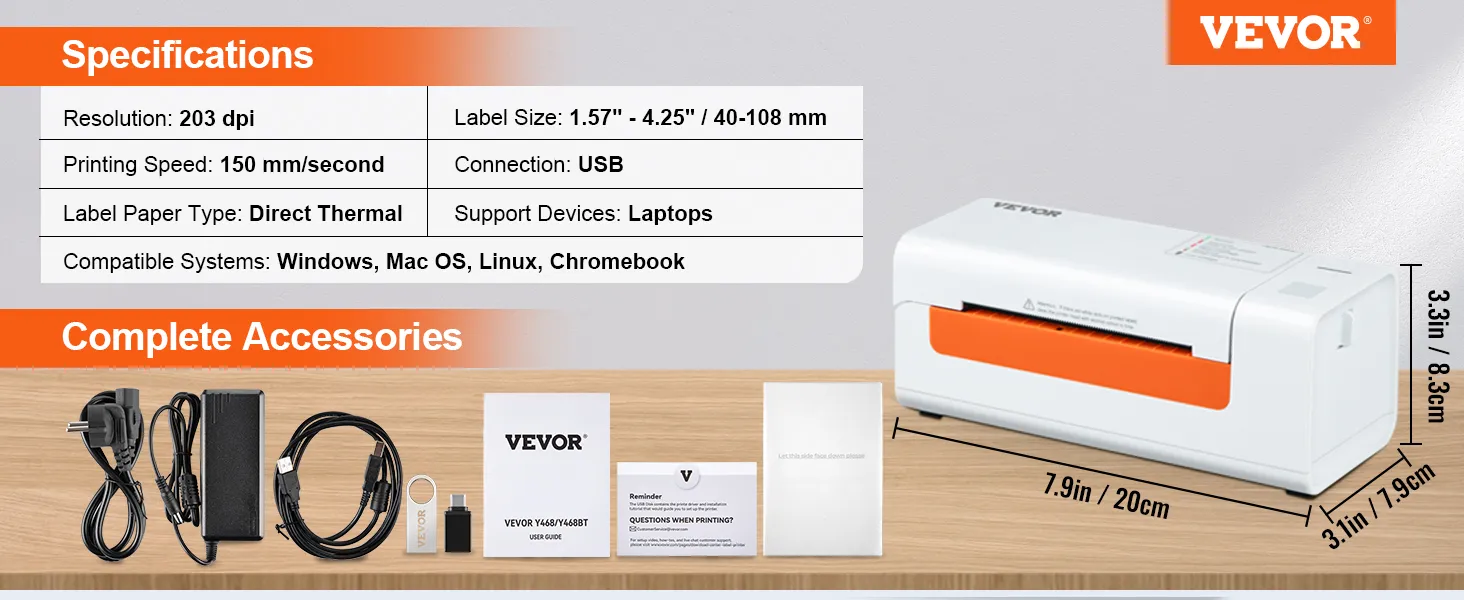
- 203 DPI Clear & Stable Printing: No ink, no toner. Our thermal label printer uses the latest thermal technology to deliver a superior printing experience and save you money. The high resolution of 203 DPI makes it easy to read small print or labels with barcodes. There are no white dots, and the print remains consistently uniform thanks to ROHM's high-tech thermal printhead.
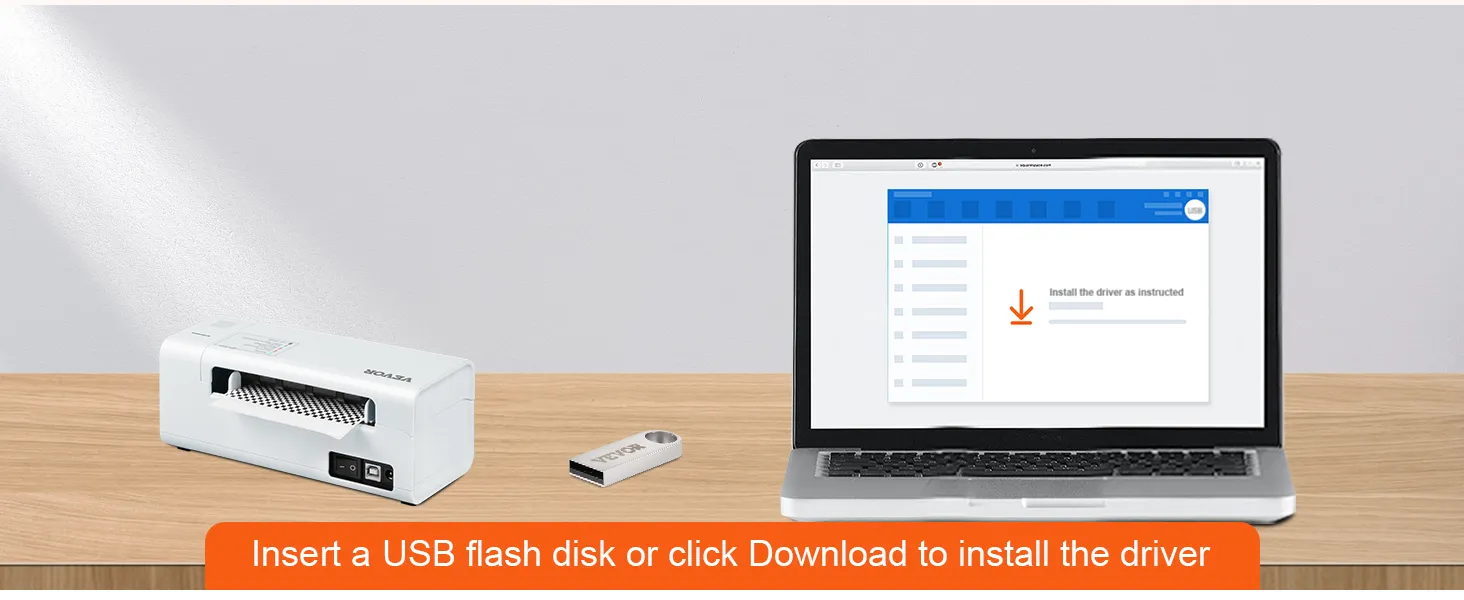
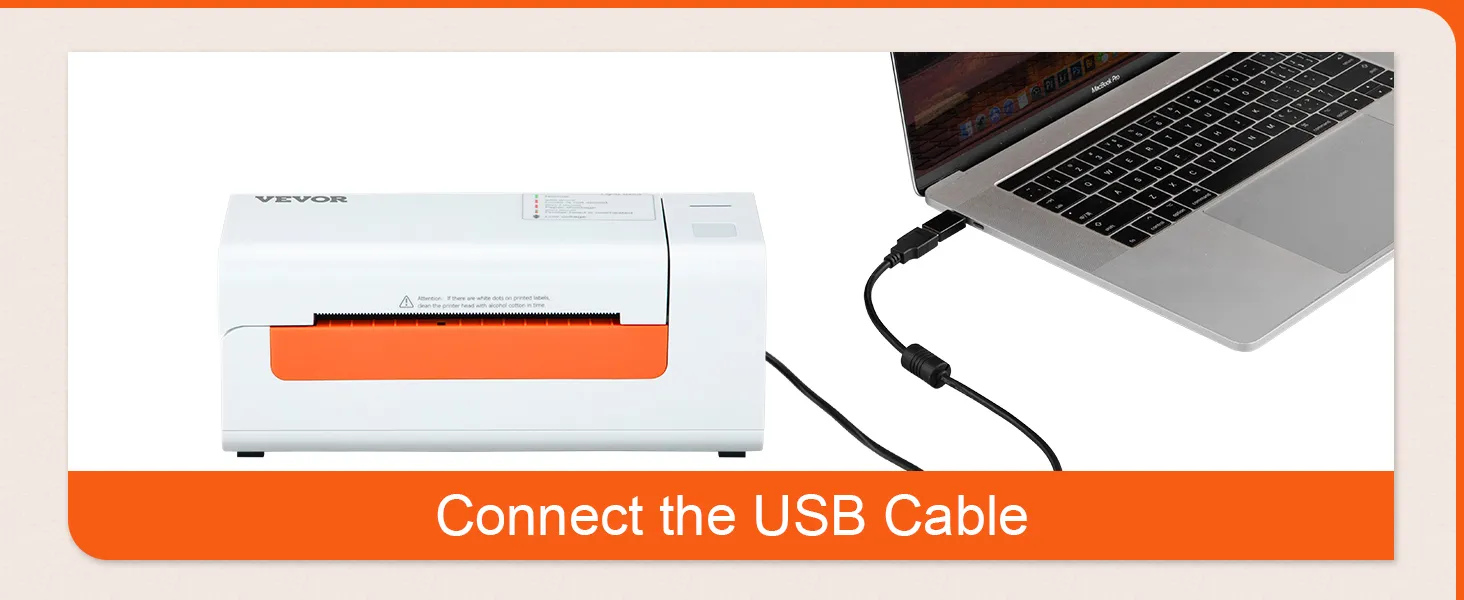
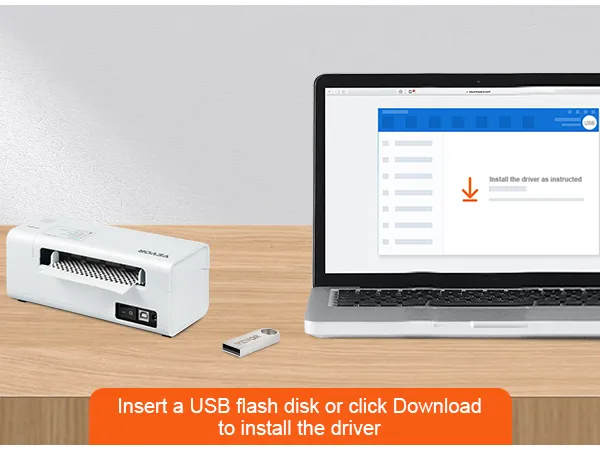
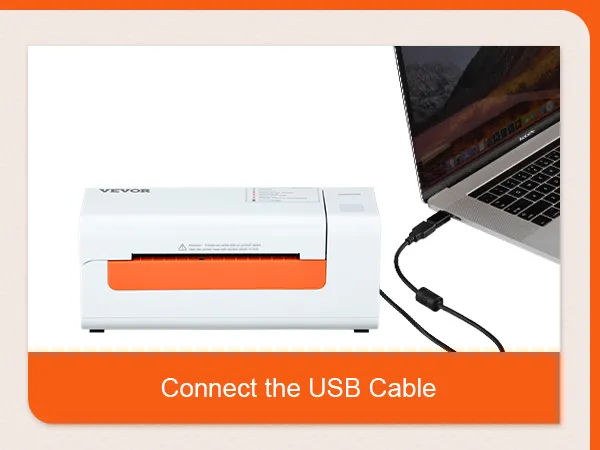
- High system compatibility: Get ready to connect to all your favorite systems. This label printer works with multiple systems, such as Windows, Mac OS, Linux, and Chromebook. Easy printing via USB, simple to use on office computers or laptops. Set up in one minute, it saves time and energy. Please download the driver as instructed before printing.
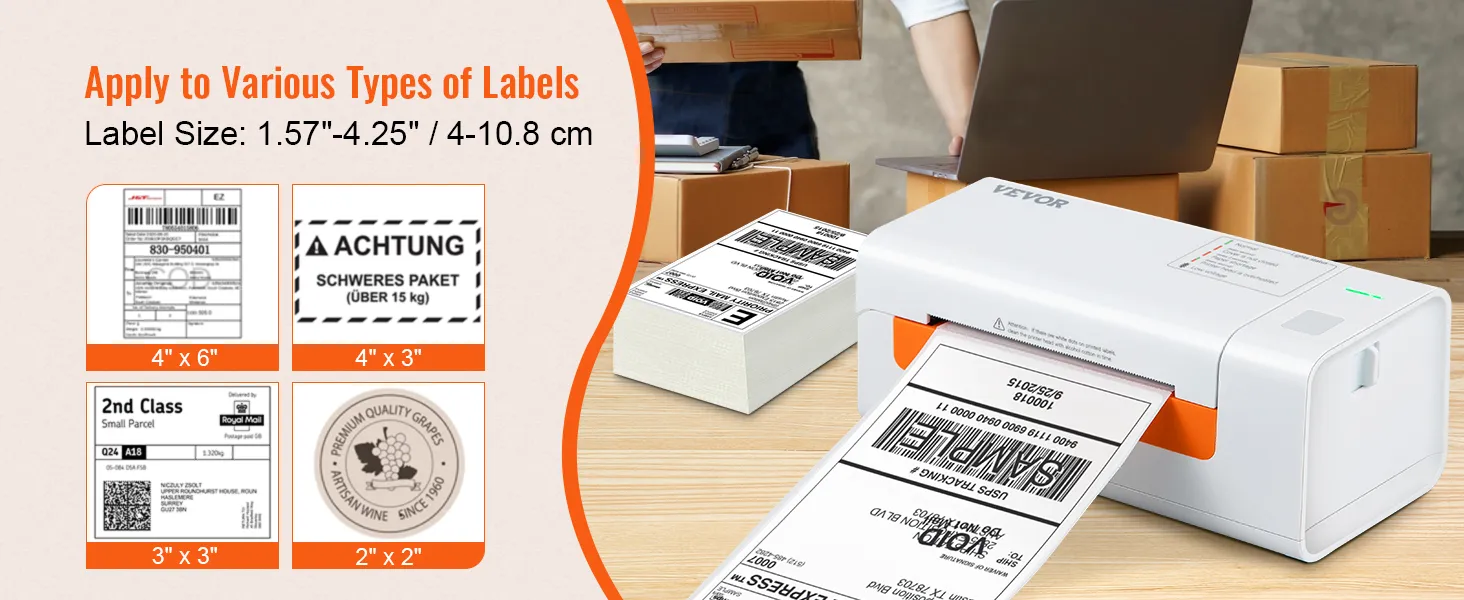
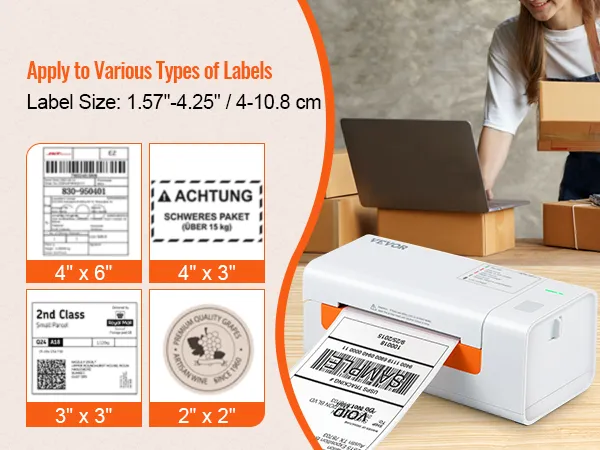
- 150 mm/s High-Speed Printing: Thanks to its 150 mm/s high-speed printing technology, our shipping label printer can print 3600 sheets of 4 x 6 labels per hour, significantly improving your work efficiency. Suitable label widths: 40-108 mm. Ideal not only for shipping labels, but also for barcodes, ID labels, DIY labels, FBA labels, address labels, reminder labels, etc. Get your labels printed right. Quality comes with speed.
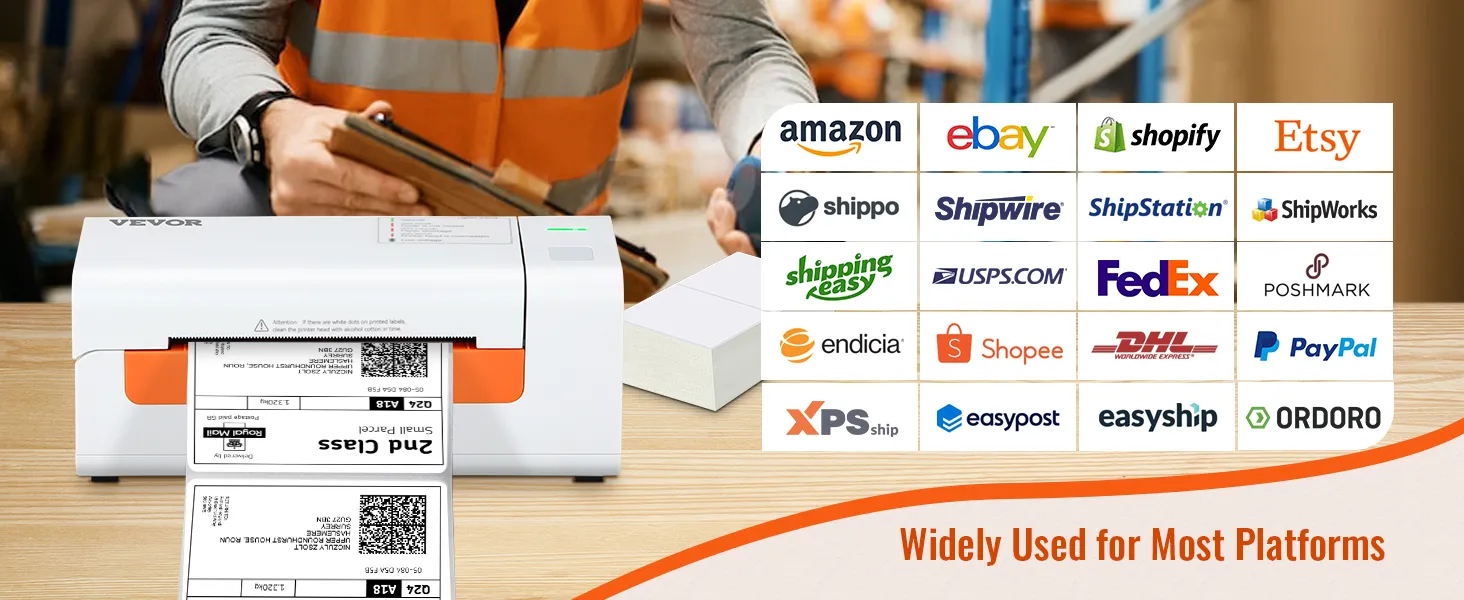
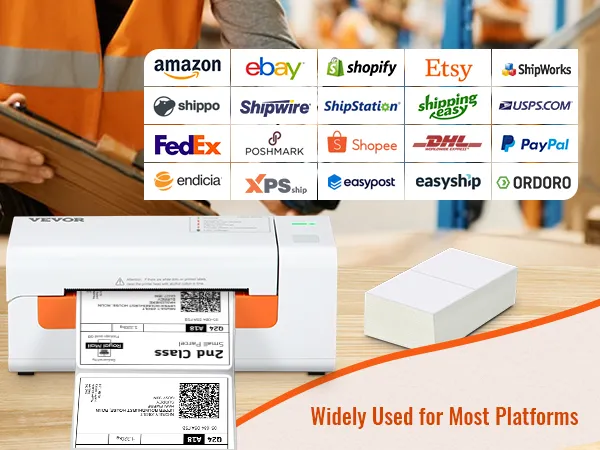
- Multi-platform support: The VEVOR label printer is designed to improve your work efficiency and provide greater business convenience. It can meet the requirements of various e-commerce and shipping platforms, including Amazon, eBay, Shopify, PayPal, Etsy, UPS, XPSship, Shippo, ShippingEasy, WorldShip, OrderCup, FedEx, and more. Start running your business effectively today!
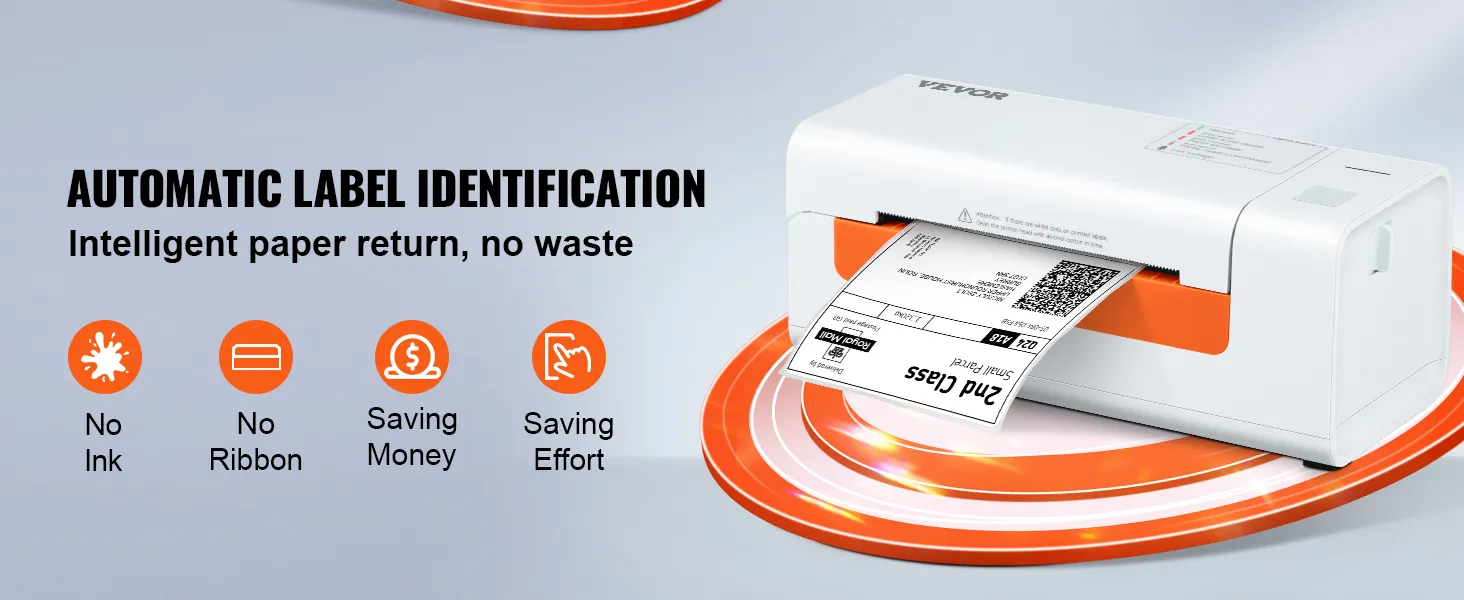
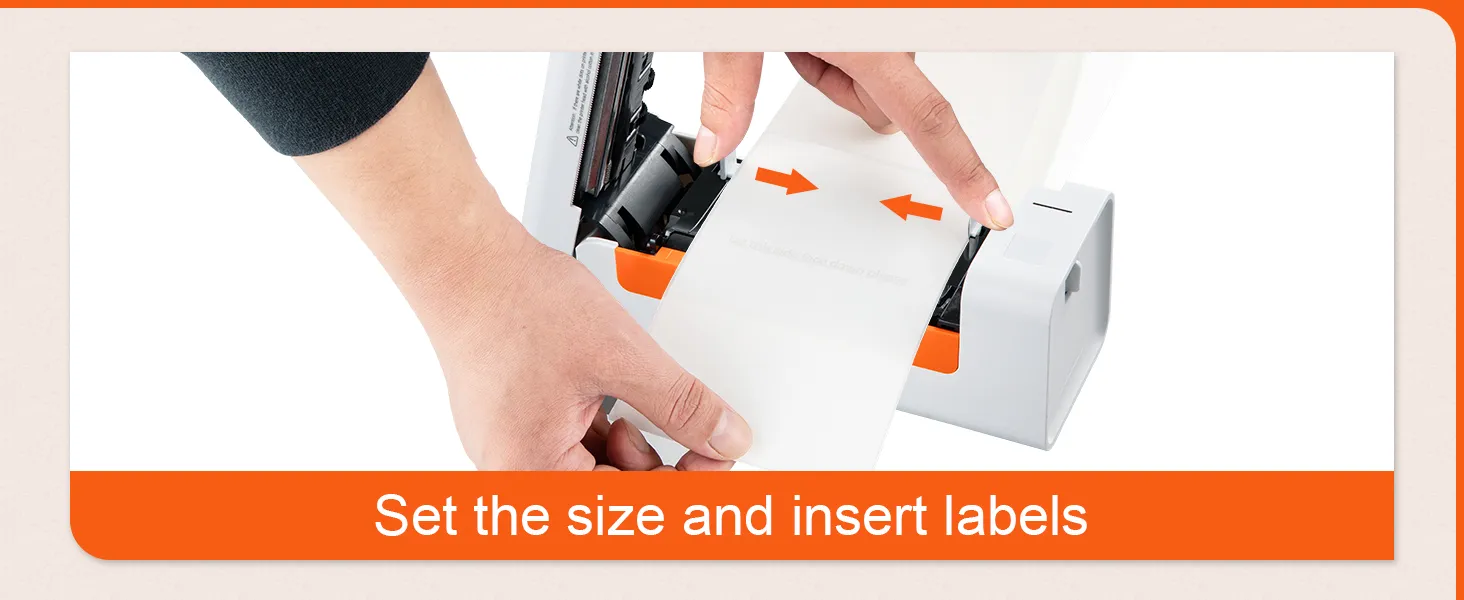
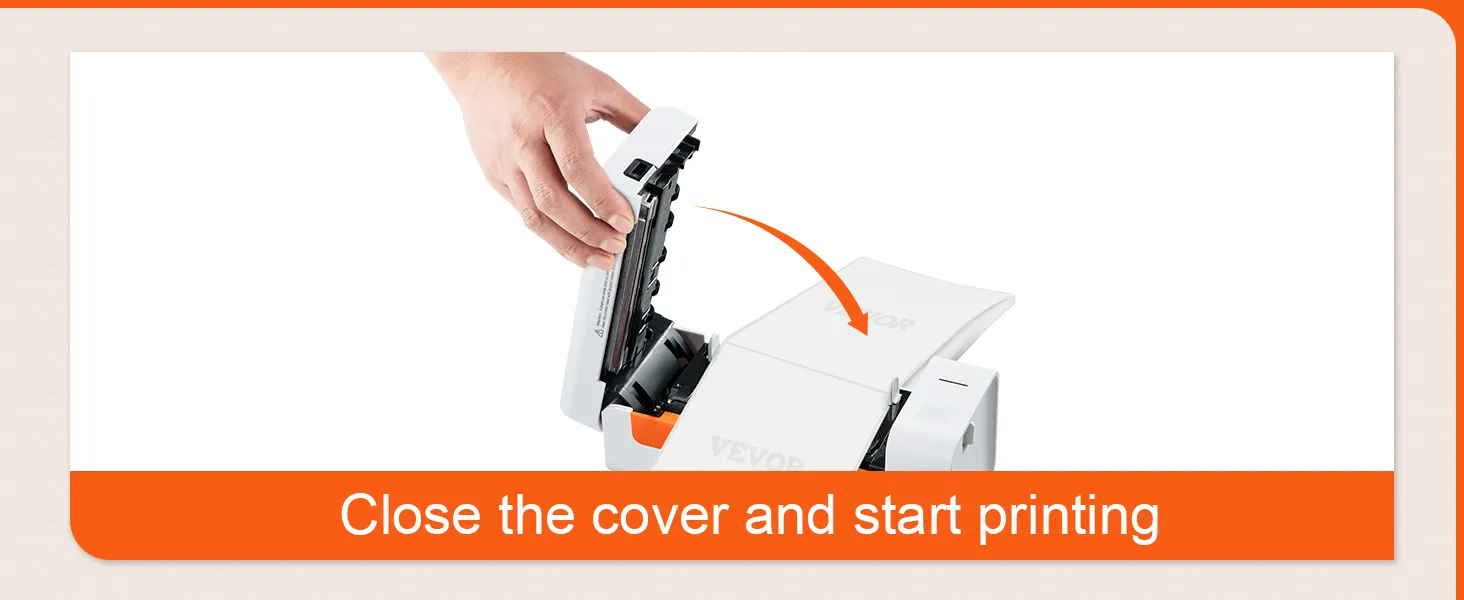
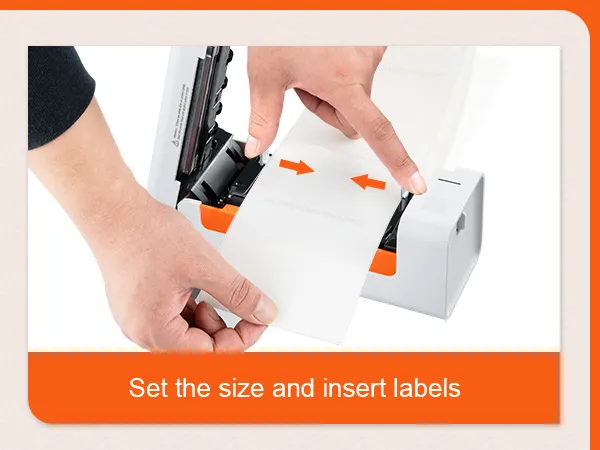
- Automatic label detection: This desktop label printer can catch labels and automatically feed them into the printer. Simply close the cover and load the paper into the back of the printer, then watch as the device effortlessly detects the labels. It also features an automatic paper return function that retrieves unsuitable labels to prevent waste. Start saving and improving with VEVOR.
Frequently Bought Together
Reviews
About this item
Questions and Answers
Explore
Reviews
4.9 Out of 5
How customer reviews and ratings work?
Details
How customer reviews and ratings work?
Customer Reviews, including Product Star Ratings help customers to learn more about the product and decide whether it is the right product for them.
Our overall rating is not a simple average. We prioritize authentic, trustworthy reviews and filter out duplicates or invalid content before calculating the final score. This helps ensure the rating truly reflects real customer experiences.
Review this product
Share your thoughts with other customers
Top Reviews
Translate all reviews to English
 simone
 Etichette di spedizione in pochi secondi: un risparmio di tempo enorme
USB White
Da quando ce l'ho, preparare i pacchi è un'altra storia: stampo l'etichetta, la attacco e via. Veloce, nitida e facile da usare. Per chi spedisce spesso è una svolta
0 people found this helpful
Translate review to English
Eric Defossé Utile
USB White
Très pratique et vraiment pas cher
0 people found this helpful
Translate review to English
Fiete Edikettendrucker
USB White
Das Produkt wurde zum Ausdrucken von Paketaufklebern bestellt und wird auch so genutzt.
0 people found this helpful
Translate review to English
 Mó***
Mó*** Perfect
USB Gray
Love it, works perfektly
0 people found this helpful
About this item
Description
Your ideal assistant for e-commerce & shipping!
Our label printer uses the latest thermal printing technology, which requires no ink or toner, saving you time and money. It prints at a high speed of 203 dpi and 150 mm/s, producing 3600 labels per hour via USB.
Q: Can it also print color images?
A: No, not all thermal printers can print color images.
Q: Why is it printing a blank page?
Q: How do I calibrate the label printer?
A: Press and hold the feed button until the LED (blue) flashes twice. Release the feed button and the printer will begin calibrating.
A: No, not all thermal printers can print color images.
Q: Why is it printing a blank page?
A: Make sure you are using thermal labels and that the labels are correctly aligned with the label facing upwards.
A: The shipping label printer must be turned on and connected to the computer before you install the driver. Uninstall the driver and try installing it again.
A: Press and hold the feed button until the LED (blue) flashes twice. Release the feed button and the printer will begin calibrating.
Product guides and documents
In Stock